How to Fix IPTV Buffering: The Ultimate 2026 Guide

David Lee
Updated Jan 2026 • 5 Min Read
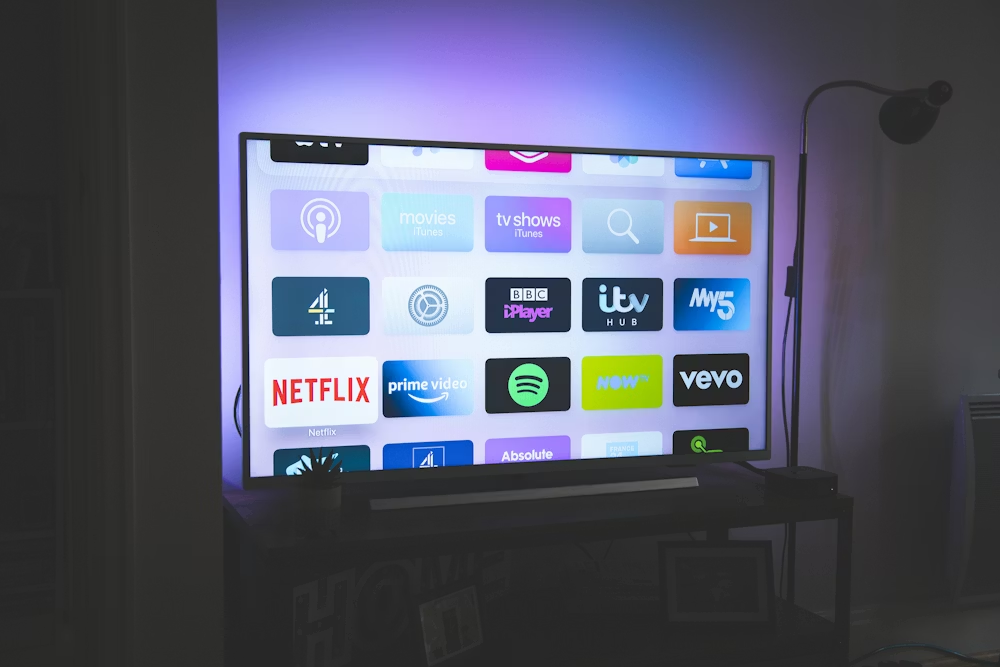
Why Is My IPTV Buffering? The Ultimate IPTV Buffering Fix Guide (2026 Edition)
IPTV buffering, freezing, and lag are among the most common problems affecting IPTV users in 2026. Whether you are watching live sports IPTV, 4K UHD channels, or premium VOD content, even a few seconds of buffering can completely destroy the viewing experience. Unlike Netflix or YouTube, live IPTV streams rely on real-time data delivery, making them far more sensitive to network instability, poor routing, and overloaded servers.
This expert-level IPTV guide explains exactly why IPTV buffering happens, how to identify the real bottleneck, and how to permanently fix IPTV buffering issues on Firestick, Android TV, Smart TVs, MAG boxes, and all major IPTV player apps.
1. Internet Speed vs Stability: What IPTV Really Needs
Many users assume IPTV buffering means slow internet speed. In reality, IPTV performance depends more on connection stability than raw bandwidth. Live IPTV streaming requires low latency, low jitter, and zero packet loss to deliver smooth playback.
- HD IPTV streaming: 15-25 Mbps (stable)
- Full HD (FHD) IPTV: 30-40 Mbps
- 4K IPTV streaming: 50-75 Mbps minimum with no jitter
A stable 50 Mbps connection will outperform a 300 Mbps line suffering from jitter or packet loss. Always test your connection quality, not just speed. Ideal values: Ping under 30ms, Jitter under 5ms, Packet Loss at 0%.
2. Wi-Fi vs Ethernet: Why Wired IPTV Always Wins
Wi-Fi interference is one of the biggest hidden causes of IPTV buffering. Walls, distance from the router, neighboring networks, Bluetooth devices, and even household appliances can disrupt IPTV data packets.
⚠️ CRITICAL
For serious IPTV users, Wi-Fi is unreliable. A wired Ethernet connection can eliminate up to 90% of IPTV buffering and freezing issues, especially for live sports and 4K IPTV channels. Use CAT6 or CAT7 cables whenever possible.
3. Clear Cache and App Data on IPTV Players
IPTV player apps store temporary cache files to speed up loading. Over time, this cache becomes bloated and corrupted, leading to IPTV freezing, slow channel switching, crashes, and playback errors.
How to Clear IPTV Cache on Firestick
4. Adjust IPTV Buffer Size for Stable Playback
Advanced IPTV players allow manual buffer size adjustments. Increasing the buffer allows more video data to preload, significantly reducing IPTV buffering during peak hours, live sports events, and high-traffic periods.
If your IPTV freezes during football matches or evening hours, set your buffer to Large or Very Large. A slight delay is far better than constant buffering.
5. Keep IPTV Apps, Devices, and Firmware Updated
Outdated IPTV apps and device firmware are a major cause of buffering and black screens. Modern IPTV streams rely on efficient codecs such as HEVC (H.265) and AV1, which require updated decoding support.
6. Restart Your Router and IPTV Device Regularly
Routers and streaming devices accumulate memory leaks and routing errors over time. Restarting them frees RAM, refreshes network paths, and restores optimal IPTV performance.
7. VPN and IPTV: When It Helps and When It Hurts
VPNs can help bypass ISP throttling, but a slow or overloaded VPN will make IPTV buffering significantly worse. Only use a VPN if your ISP restricts IPTV traffic and the VPN server is fast and geographically close.
8. The #1 Cause of IPTV Buffering: Your IPTV Provider
If you have optimized your internet, device, and apps and still experience IPTV buffering, the problem is almost always the IPTV service itself. Low-quality IPTV providers oversell subscriptions, overload servers, and lack proper load balancing.
⚠️ CRITICAL
Premium IPTV providers like RubyccTV use global load-balanced servers, ISP-adaptive routing, and anti-freeze technology to deliver stable, buffer-free IPTV streaming even during peak hours.
Conclusion: How to Stop IPTV Buffering Permanently
Eliminating IPTV buffering requires a combination of network optimization, proper IPTV app configuration, and most importantly, a reliable IPTV provider. Follow this guide and you unlock smooth, stable, high-quality IPTV streaming with live sports, 4K channels, and zero freezing.